bedes: Fanart of Click Clack from Great God Grove, talking and typing on their typewriter. (clickclack)
Challenge #4: Rec The Contents Of Your Last Page

Any website that you like, be it fanfiction, art, social media, or something a bit more eccentric!

The last website that I was on was TheFanlistings.org! You might recognize it, as it's been around since 2000 as a directory of approved fanlistings.

What's a fanlisting? In the words of the site itself: "A fanlisting is simply an online listing of fans of a subject, such as a TV show, actor, or musician, that is created by an individual and open for fans from around the world to join. There are no costs, and the only requirements to join a fanlisting are your name and country. TheFanlistings.org is the original (but not only) web directory for fanlistings, dedicated to uniting fans across the globe."

Basically, it's an old-fashioned way to connect with other fans of a subject, by listing all fans who sign up in the same place for easy searching! They were popular in the early internet, when social media wasn't as prominent, so fellow fans were harder to find. They're making a comeback, thanks to the revival of the indie web, though!

If you want to join some fanlistings, I recommend browsing the approved fanlistings of TheFanlistings.org (as previously mentioned), and their partner site, AnimeFanlistings.com. You can put your Dreamwidth journal in the "website" space, so other fans can find your journal!

If you want to look through some fanlisting collectives (which is a website where somebody hosts their fanlistings), I recommend browsing through EPHEMERAL, which is a directory for exactly that! I have a fanlisting collective myself, as well. It's very small for now, and I aim to keep it that way.

I really like fanlistings, because it means that I don't have to put my stake in search engines and unreliable algorithms to find other fans. Plus, it doesn't have any requirements that you sign up to anything, unlike social media! You can find any fan across the whole, wide internet.
bedes: An icon of Marina from the official Hana vs Dango Splatfest art (marina)
Challenge #14

In your own space, create your own fandom challenge.

This is a really fun one!! After a bit of consideration, I decided to, once again, use a challenge to try to push my own, personal agenda. This time, turning more people to the indie web! So, my self-imposed challenge was to create a reclist of modern indie web fansites! Going in no particular order...
  • It's Not Stupid, It's Advanced! - an Invader Zim fansite featuring episode transcripts, the history of the show, adoptables and more
  • Monkie Business - a LEGO Monkie Kid fansite featuring fan analysis, a gallery of crew art, a fanlisting and more
  • CANDYPOP GARDEN - a Pikmin fansite featuring merch, fanart, downloads and more
  • Moonlight Promise - a Sailor Moon fansite featuring a fortune-telling page, fandom resources, a webring and more
  • Klance is Canon King - a Klance (Voltron) fansite featuring all K/L crew art, fandom history, an essay on the subject of the show's queerbaiting, and more
  • Inkposting - a Splatoon fansite featuring pixel adoptables, the webmaster's Inkopolis Square art, a "which idol are you" quiz, and more
  • Soulsilvers - a Pokemon fansite (mostly focused on the Kantrio characters - Red, Green and Blue) featuring a fanart gallery and lots of information on their portrayals in various Pokemon media
  • Dan and Phil GAMES Fansite - a Dan and Phil fansite (mostly focused on their joint gaming channel) featuring calendar and card scans, the chronology and characters of their Sims 4 series, the channel's yearly traditions, and more
  • GEKIYAKU - a Hatoful Boyfriend fansite featuring theories, a timeline of all events, a guide to all supplemental media, and more
If any of these sound interesting to you, check them out! And if you like what you see, and see a link for a "guestbook", consider "signing" it with some nice words to the webmaster! I'm sure it'd make their day!
bedes: Icon of Kangel from Needy Streamer Overload whistling (kangel)
A lot of datahoarding resources assume that you're intimately familiar with command prompts, webcrawlers, scripts, and more. But what if... you're stupid? What if you're extremely unfamiliar with those sorts of things, looking to have your hand held through the entire process? What if your name is Azure and you have an account called bedes on Dreamwidth.org? (Wait, that's getting too specific.)

Well, these resources are for you! Idiot-proof resources I've gathered for archiving stuff online! As tested and approved by an actual idiot!

(Quick disclaimer: I call myself "stupid" and "an idiot" lightheartedly, and as a morally neutral descriptor. Being stupid about certain things isn't bad! Which is why I'm making this post!)

Read more... )

If you know of any data-hoarding / archival resources that wasn't mentioned here, and you think even a total Python-illiterate doofus could get working, link it in the comments below! (Also, please include if it involves or requires any downloads, just because I think that's useful info.)
bedes: An icon of Kabru from the Dungeon Meshi manga, smiling bashfully (kabru)
You'll recall I previously posted about being interested in NaNoWriMo alternatives. As such, I've gone through some of the most commonly-recommended ones, and written up a list of relevant information! This was originally written just for myself, but I thought it might be useful to others, too.

I considered:
  • Timing
  • Professionalism
  • Inclusiveness
  • Community
  • Gamification
  • AI stance
  • And anything else that may be interesting or relevant!
So, here is the information I've gathered!

Continue? )
bedes: An icon of Bede from Pokemon, smirking towards the camera. (bede)
(This was originally a comment on the 32Bit Cafe forum, but I thought it may be useful to others, so I'm posting it here, too.)


There are a few different Pokemon forums to choose from; all of which being extremely active.

Bulbagarden is my personal go-to. It’s the same service that hosts Bulbapedia, the independently-run Pokemon wiki which any Pokemon fan is sure to be familiar with, as well as Pokemon archives and a podcast. It has almost 31 different forum styles to choose from, including a queer pride-themed one, which is a good sign in terms of political leanings. (Gotta be careful with gaming forums...) There's also a subforum dedicated to shipping, which is useful for fannish purposes, and which no other forum here has.

Serebii also has an affiliated forum. While Bulbapedia serves as a wiki, Serebii is mainly known for its guides, databases, and news. In particular, it is known for PokeEarth: a complete listing of all in-game Trainers and catchable Pokemon in every city and route. However, I’ve heard bad things about the forums going down a lot, as well as a reputation for malicious/trolling elitist users. It has only 2 forum styles to choose from, too; neither of which I find aesthetically appealing. This is not at all a knock on the collective; Serebii's main site is an invaluable resource that I personally use regularly. But it's maybe not your best bet for a forum.

Pokecommunity is not affiliated with any Pokemon resource, like the previous two, but I have heard of it through good word-of-mouth alone, making it a sort of underdog of Pokemon forums. The community is extremely friendly, and it’s easy to find other users to battle/trade there. It is also the only forum listed here which hosts subforums for fangames and hacking, so, if that’s your scene, it’s definitely your best bet. It has 11 different forum styles.

bedes: Art of Mikuo, the genderbend of Hatsune Miku, in the outfit and stylings of Project Voltage's Fairy-type Trainer Miku. He has a small ponytail, and is holding up his pillow to rest his face against it. His eyes are sleepy and half-lidded. (mikuo)
I've been getting into desktop personalization lately, so I thought I'd share my current desktop and FireFox set-up! I'll also be linking the guides I followed, in case anyone reading wants to use them, too.

I'll explain my FireFox setup first! (My write-up on why I use FireFox, and a long list of extension recs, can be found here.)

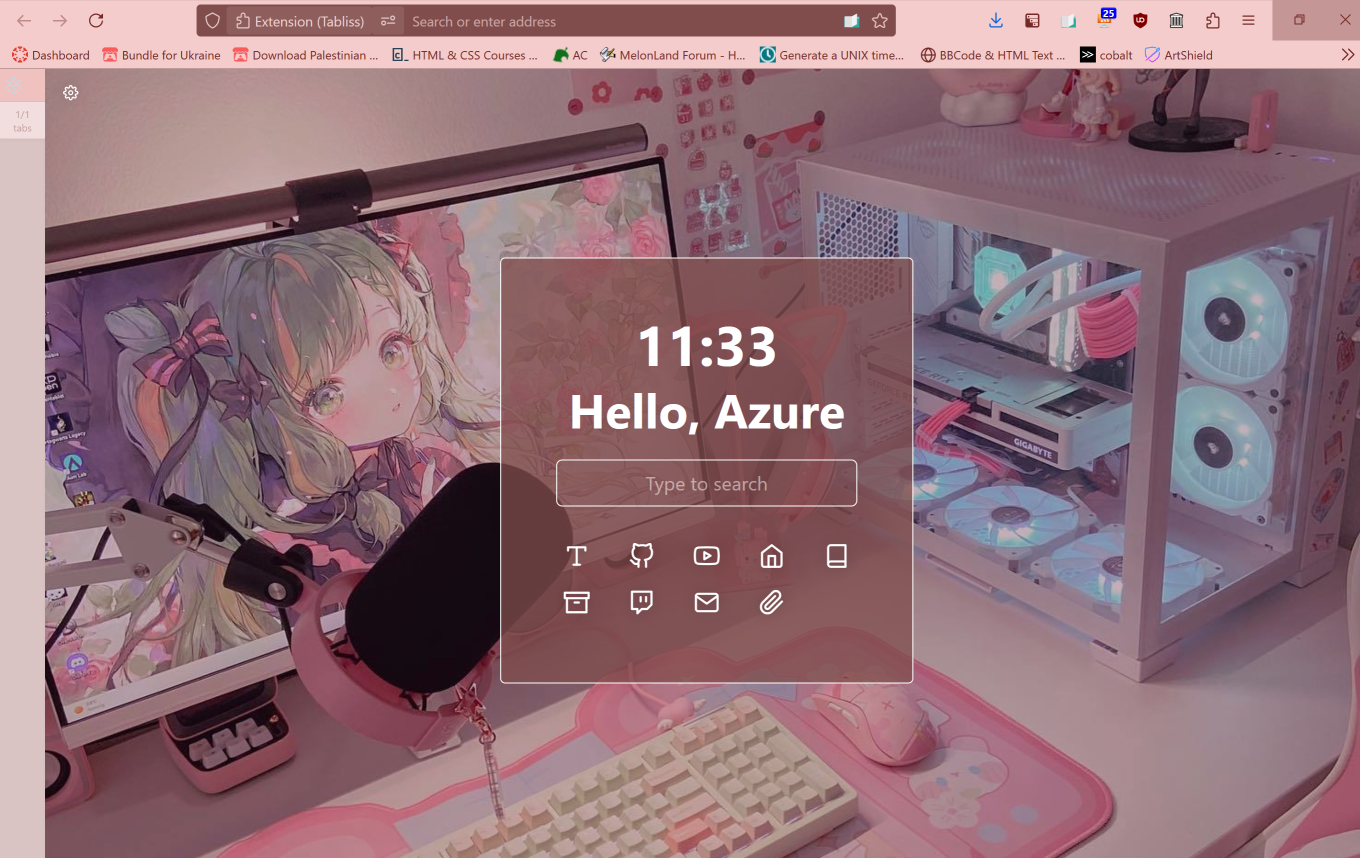
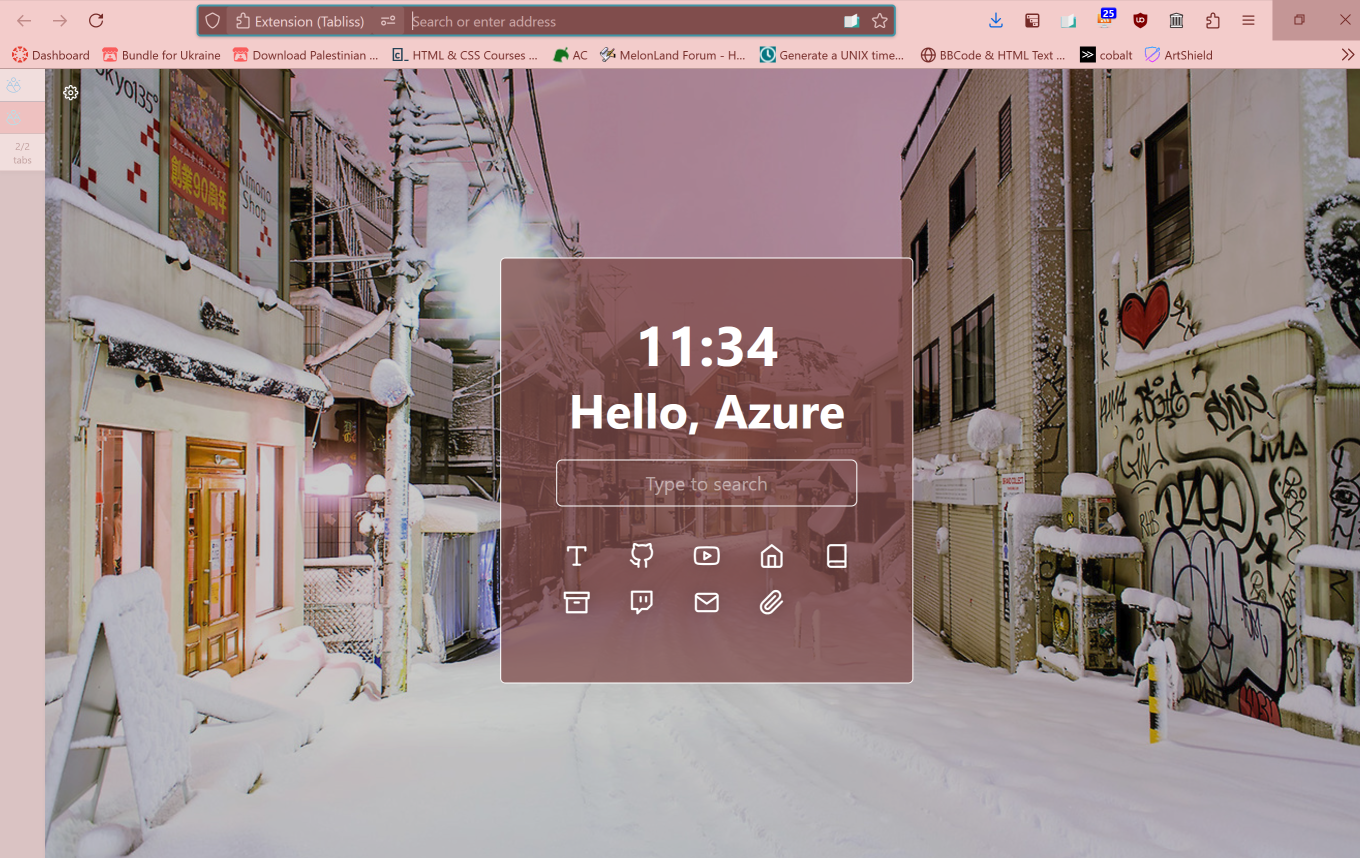
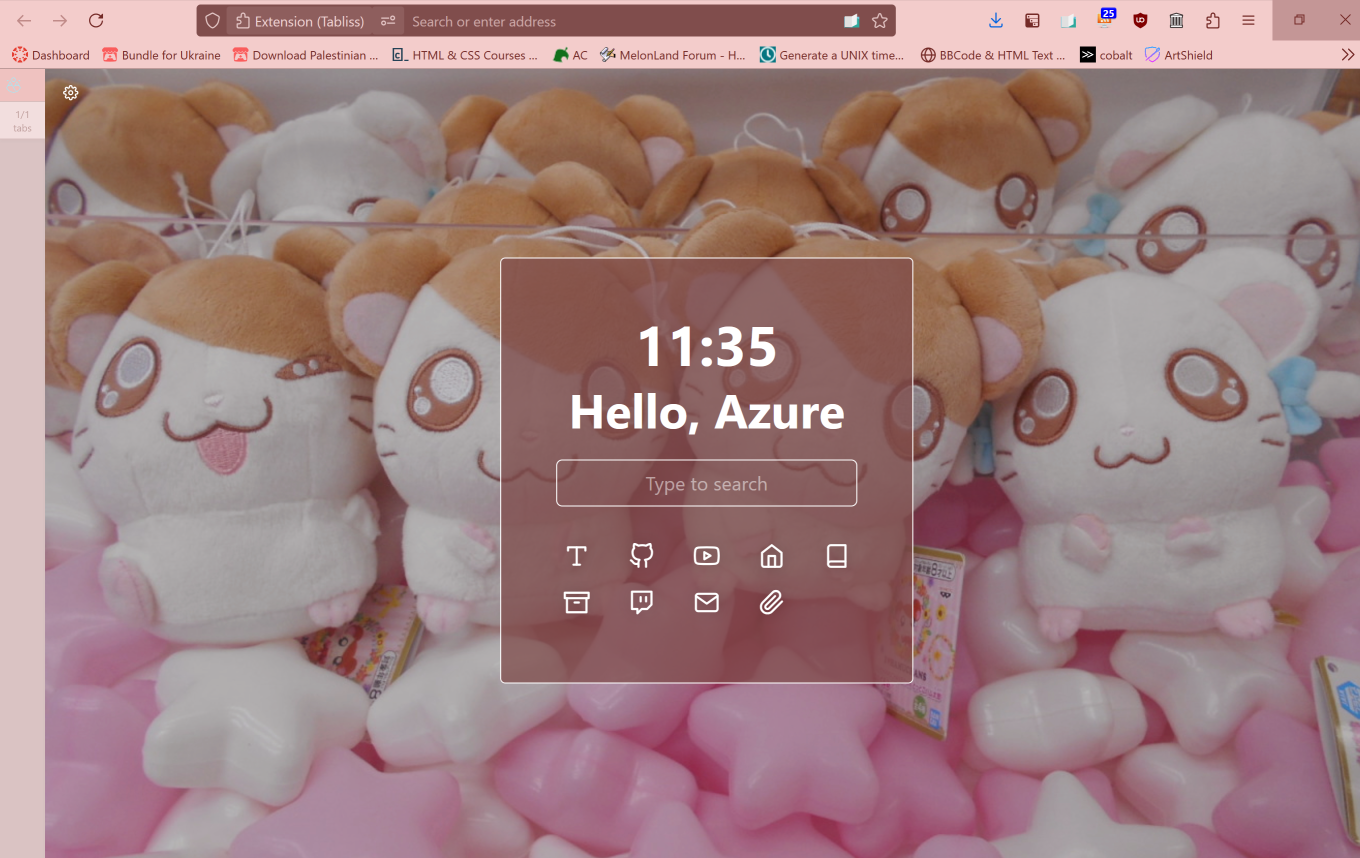
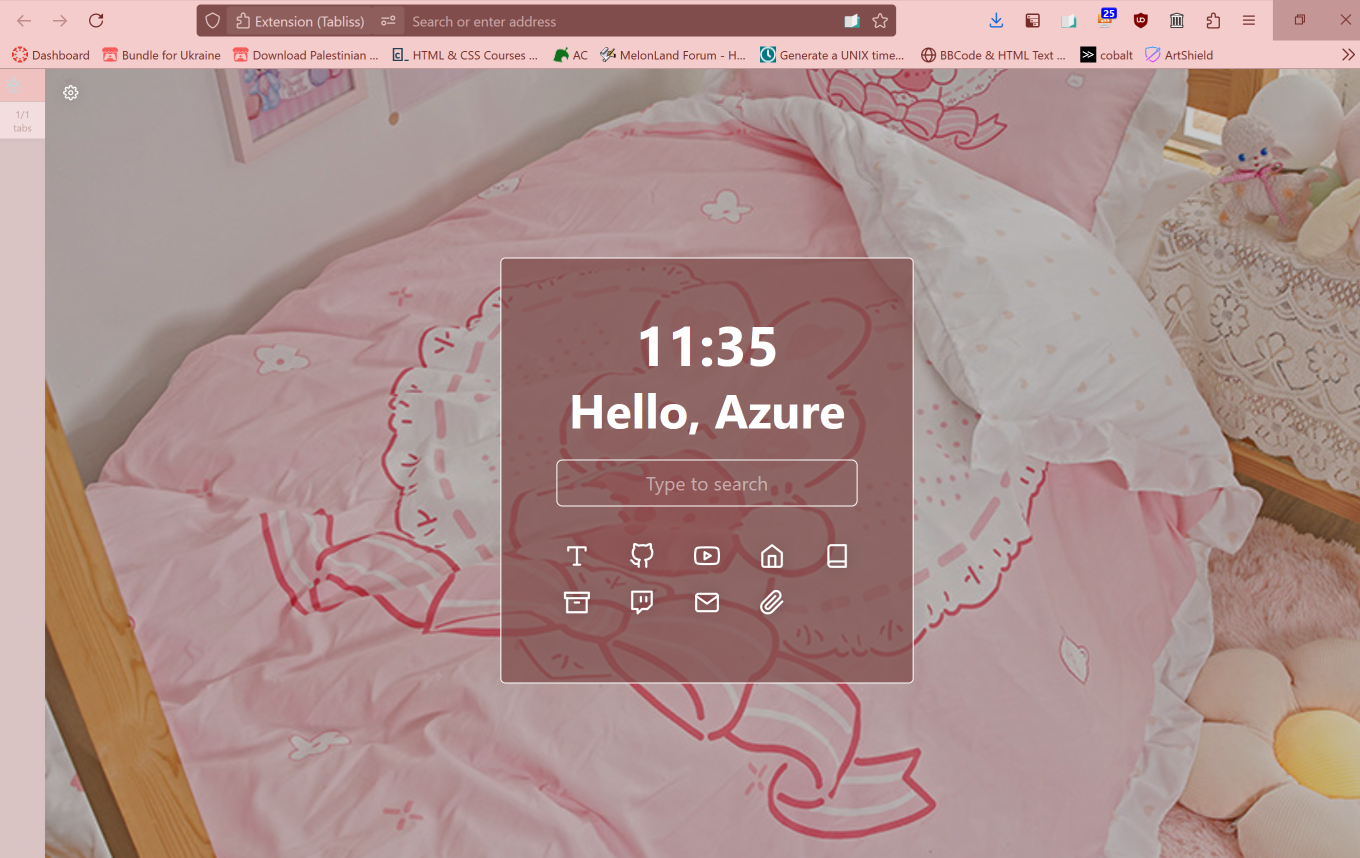
Firstly, I use Tabliss in order to make a custom "new tab" page. I have some cute pictures I like for the tab backgrounds to rotate between, and I have the current time, a greeting, and a set of icons which link to sites I visit often. (In order, these are tumblr, Neocities, YouTube, toyhou.se, AO3, archive.org, Twitch, my email inbox, and Photopea, the in-browser and free recreation of Photoshop. I need to add a few more links to this, come to think of it, but I'll get around to that later!)

A Tabliss FireFox tab, with an photo background of a cute computer setup A Tabliss FireFox tab, with an photo background of a snowy town A Tabliss FireFox tab, with an photo background Hamtaro plushies in a crane game A Tabliss FireFox tab, with an photo background of a bed with cute bedding

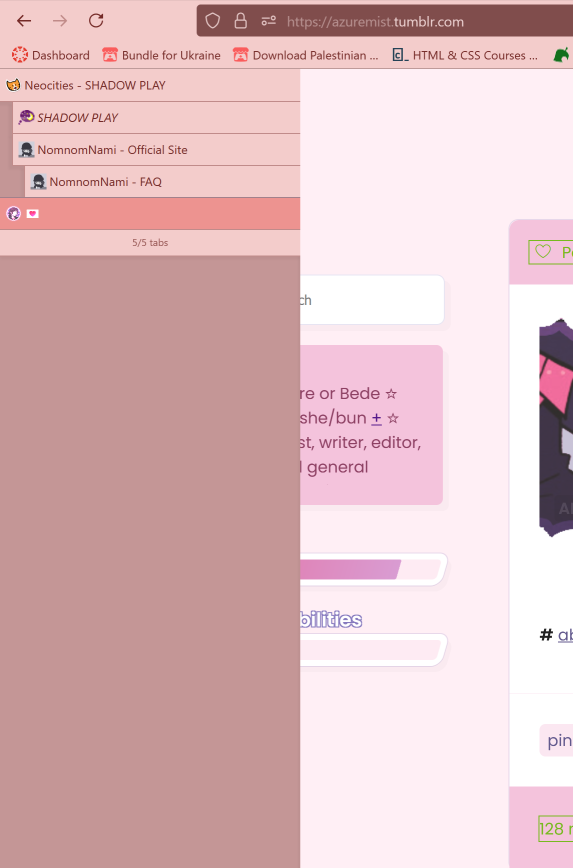
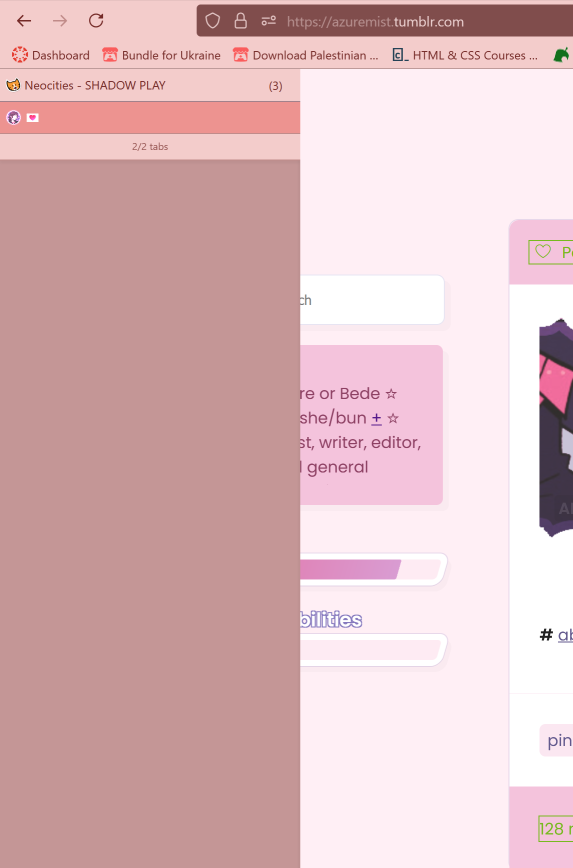
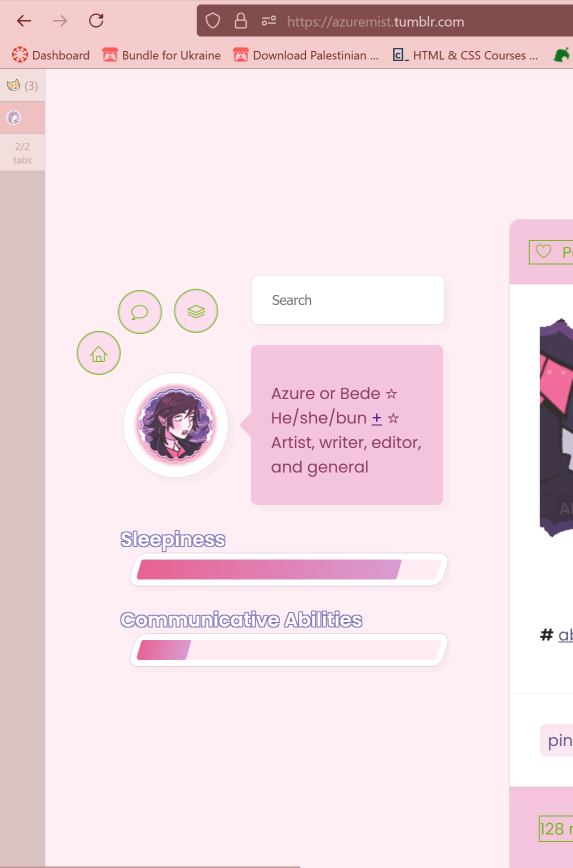
The colors for my toolbar are custom, and the sidebar collapses when I am not hovering my mouse over it. It also features parent and child tabs, which can be collapsed!
 
A screenshot of the tabs open, with multiple child tabs underneath one parent tab A screenshot of the tabs open, with the child tabs collapsed under the one parent tab A screenshot of the tabs collapsed
 

I used this tutorial (archive) to do all of this. My personal taste leans more towards the pink and cozy, but you can use it to fit your personal tastes.

The extensions I have pinned to my FireFox taskbar for easy access include Tree-Style Tab (part of what I use for the setup), Reading List (a "read later" feature), Feedbro (an RSS reader), uBlock Origin (needs no introduction), and the Wayback Machine extension (great for easy page archive-saving and checking).

Now, let's move onto my desktop!

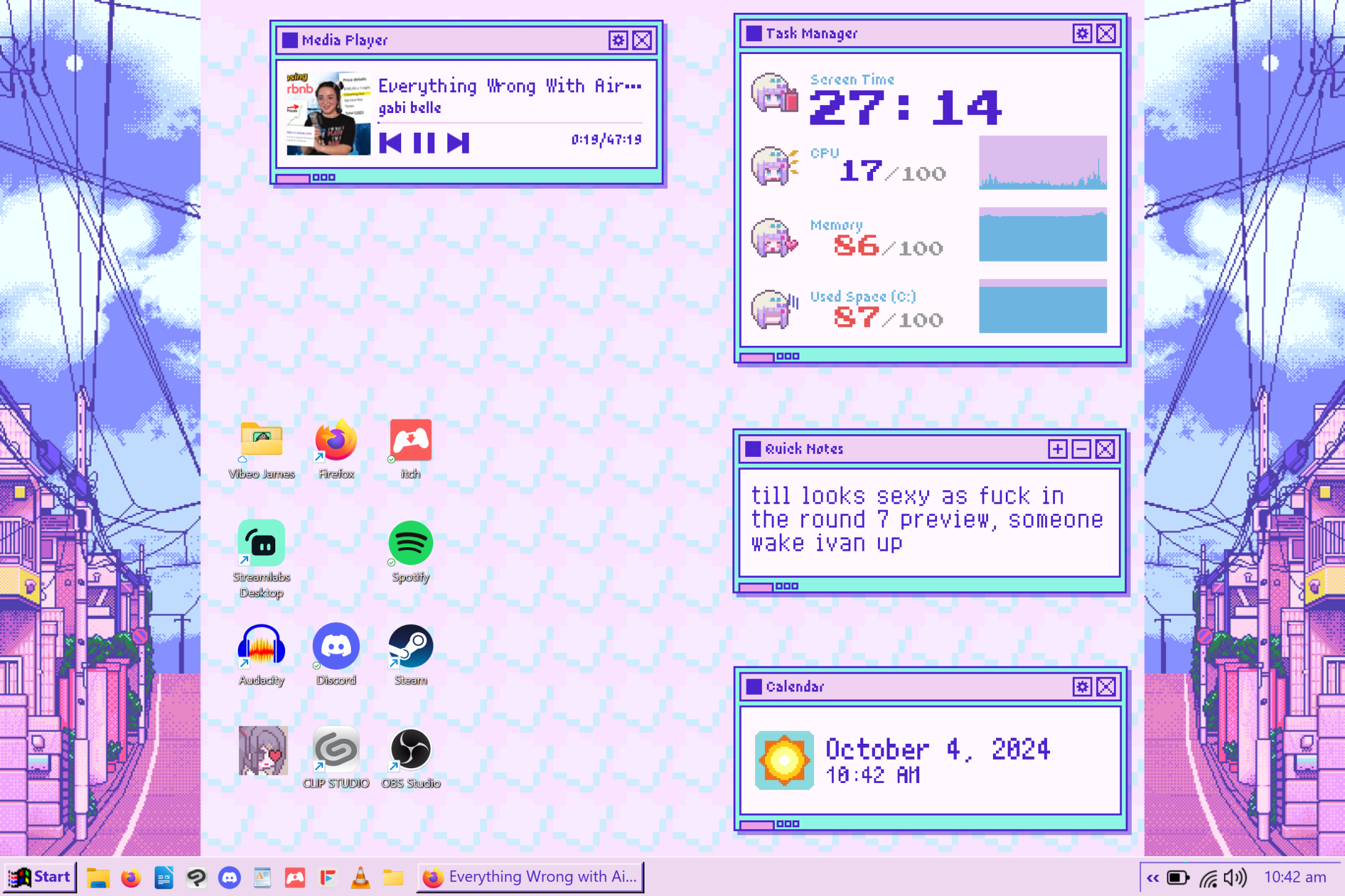
A desktop set-up displaying multiple widgets, sidebars, an old-fashioned taskbar, and a custom, patterned background. Everything is themed around Needy Streamer Overload. One widget is a "Quick Notes" widget, which has text in it that reads, "till looks sexy as fuck in the round 7 preview, someone wake ivan up"

As you can see, everything is themed around one of my favorite games, Needy Streamer Overload! The whole game basically takes place on the computer, and has a strong visual aesthetic, so I'm super happy with it.

It features a media player, which I have configured to be able to play and pause YouTube videos I'm watching in-browser. All of the software icons are in a small cluster, ordered loosely by color; we have my video games folder, FireFox, Itch, Streamlabs, Spotify (*slips this to you subtly*), Audacity, Discord (*slips this to you also*), Steam, Clip Studio Paint and OBS Studio. I also have a quick notes widget, which I use for only the most important things, as you can see, along with a calendar widget which shows the current date and time.

You can't see it, or hear it, but I've also customized all sounds to be sounds from the game, and have changed the cursor to be the one from the game, as well!

I followed this tutorial to get this look, doing everything but changing the system's default font. I chose not to take this step because, unlike all other parts of this customization, it is not easily reversible.

In terms of my taskbar, I have a lot of the same things I have on my desktop, with a few additions. We have the file manager, FireFox, LibreOffice Writer (a free and open-source alternative to Microsoft Word), Discord, Clip Studio Paint, Wordpad (for quick notes), Itch, FreeTube (an ad-free, customizable, free and open-source YouTube client), and VLC media player!

And that's just about everything! I'm very pleased with all of it, hehe.
bedes: An icon of Bede from Pokemon, smirking towards the camera. (bede)
You may have noticed, but I started uploading my backlog of Misc Things! Namely, I've made myself a community for me to upload my icon edits to. The iconing community on this site seems pretty lively, and I saw a few different communities just for one person. The community is [community profile] pastelveil, and I've managed to upload almost all of my icon backlog there. There are, of course, many older icons that I decided not to upload there, but I went as far back as I could stomach, haha.

In the meantime, since I've been hoping Dreamwidth would replace my Twitter, I decided to go back to my old, abandoned Twitter accounts, download them to Iris (my 1TB external drive; I like to name my electronic possessions), and then delete them. While I was at it, I also updated my archive of my boyfriend and I's tumblr accounts, and I finally got around to archiving my boyfriend and I's personal Discord server as well. I don't know how often I'll update it, but I at least wanted to archive it in its entirety now, as we made it very early on in our friendship and it basically contains the history of our entire relationship. So, of course, the archive is taking a while. It's still happening right now, actually! But it's gotten through the entire general channel, so the rest of the channels should be a breeze in comparison.

I've linked all of the things I've used to do this! Iris was a pass-me-down from my father, who never used her after buying her. But I think she's a decent price. Also, the extensive step-by-step guide for the tumblr downloader, and the user-friendly frontend for the Discord downloader, basically makes them idiot-proof. (I did it, so you can too!)

I'm probably going to finish uploading my icon backlog today or tomorrow. I also plan to make an alt Dreamwidth account, to crosspost my fanfics to. Communities are great and all, but the inability to crosspost to both a community and a journal is suuuch a pain. I'm probably just gonna copy-paste the HTML of the icon community posts, but still.

Oh, before I forget: here's a list of my named possessions, since I mentioned it here!
  • Misty: my laptop and drawing tablet! She's a Windows Surface Pro 6. I would NOT recommend her to anyone, she's AWFUL. As I always say to my friends: "She's just a little piece of shit, and she's trying her best." But I love her!
  • Lillie: my 3DS! She's not an N3DS; she's an old purple model, and the same one I've had since I was a child! Within the past few years I hacked her (they were right; it WAS surprisingly easy to do!), so she's been seeing a ton more use lately. Check out the custom 3DS themes I've made!
  • Iris: my previously-mentioned external drive! I linked to what she is; she's a black MyPassport Ultra, and I use her to archive personal stuff I don't want to get lost! This includes all of my digital art, my boyfriend and I's tumblrs and Discord server, my 3D model of my persona, my old Twitter accounts, my commissions (still working on getting all of those together!), my edits and digital zines I've downloaded!
  • Dawn: my Nintendo Switch! It's a Pikachu and Eevee model, and it had the WORST JoyCon drift for AGES. Within just a couple of months of getting her, too! Thankfully, I pre-ordered the pastel pink Joycons that came with Princess Peach: Showtime (predictable bitch I am), so I've been enjoying playing on her a lot more lately.
Yes, I do name all of them after female Pokemon companions! It started with Misty when I got my first computer at the age of around 11 (my first computer was Misty, and every computer after her was also Misty), and I've just continued the trend from there. I'm still deciding on what to name my Quest headset, but I'm thinking maybe Bianca.